Error Fix: Wan2GP “InvalidPathError” (Not Uploaded by a User)
If you are running WanGP v9.81 (specifically on a Vast.AI instance), you might have run into a frustrating error that stops your generation dead in its tracks.
I noticed this tends to happen specifically after I’ve done a bit of housekeeping. If you delete everything in the Wan2GP/outputs directory to clear space, the next time you try to generate an image or video, the system throws a fit.
Here is the error log you’ll see, and how to fix it in about 10 seconds.
The Error
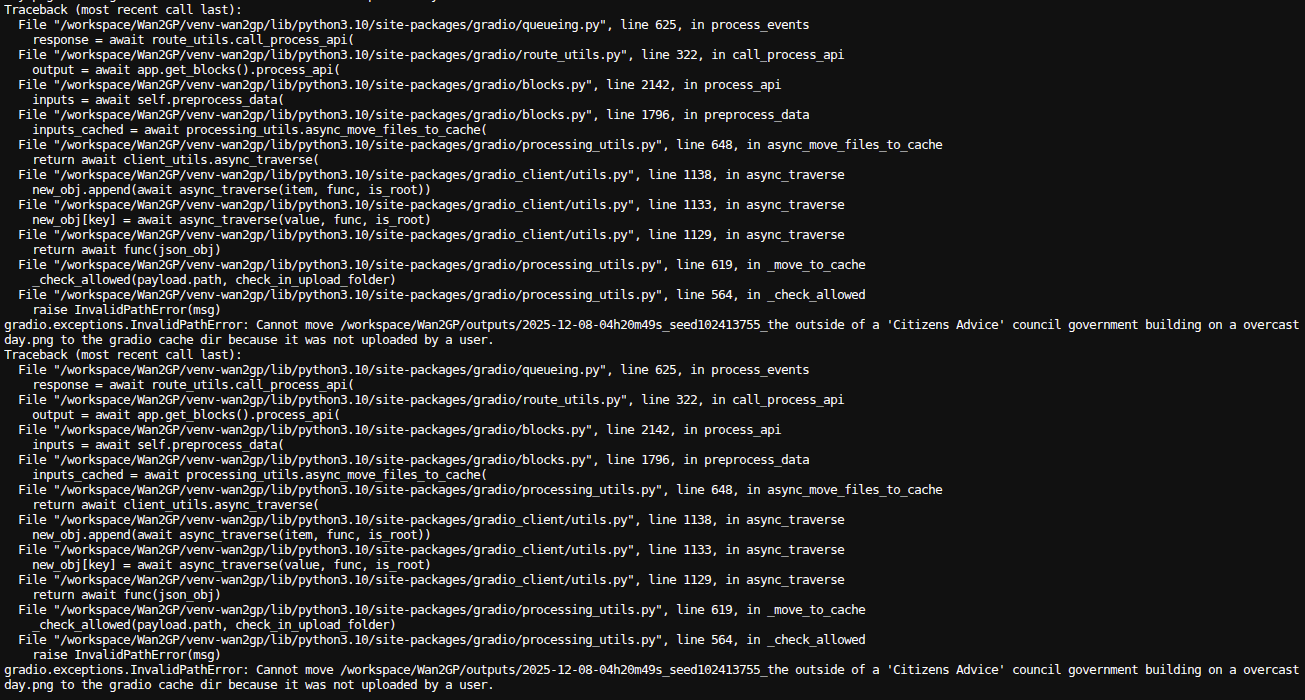
You hit generate, and the console spits out a traceback that ends with this specific message:
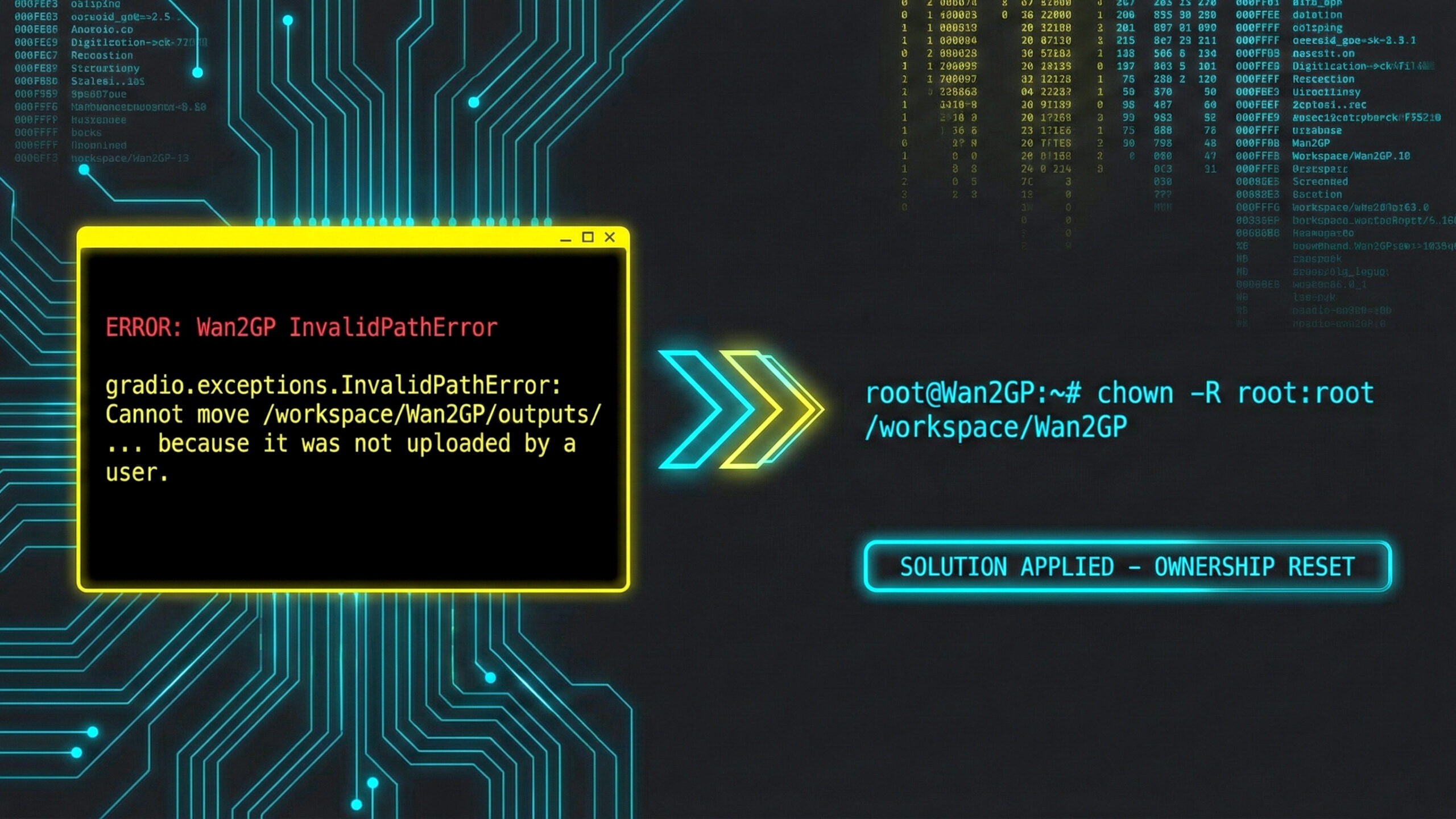
gradio.exceptions.InvalidPathError: Cannot move /workspace/Wan2GP/outputs/... to the gradio cache dir because it was not uploaded by a user.
Essentially, Gradio is complaining about file permissions and ownership. It’s trying to move a file to the cache, but it thinks it doesn’t have the right permissions because the file wasn’t “uploaded by a user”.
The Solution
To fix this, we just need to reset the ownership of the files in your workspace so everything belongs to the correct user. This ensures there are no conflicts.
Note: You need to run this as the root user.
Run this command in your terminal:
chown -R root:root /workspace/Wan2GP
Note: Make sure you include the space before the directory path!
Once you run that, your next image or video should start generating with no problem.
What is this command actually doing?
I’m a big believer in understanding the tools we use, not just blindly copy-pasting code. So, let’s break down what we just told the Linux terminal to do:
chown: This stands for CHange OWNership. It’s the standard utility for modifying who owns a file or directory.-R: This is the “Recursive” flag. This is the most important part. It tells the system not just to change the folder, but to go inside and change every single file and subdirectory within it. Without this, we’d only be fixing the top-level folder, which wouldn’t solve our problem.root:root: This specifies the User and the Group. The first “root” sets the owner user, and the second sets the owner group./workspace/Wan2GP: This is simply the target path—the specific directory we want to fix.
By running this, we are effectively telling the system: “Take the Wan2GP folder and absolutely everything inside it, and make sure the Root user owns it all”.
This clears up the permission confusion that happens when files are created or deleted by different processes, allowing Wan2GP to get back to work creating art.
Discover more from Stoke McToke
Subscribe to get the latest posts sent to your email.